Understanding what to do during a power cut can help you stay safe and restore your electricity quickly. This guide explains how to identify the cause of an outage, what your smart meter is doing, and how to get your power back on.
Take the stress out of meter readings and billing for good. With Fuse Energy, you can choose between typing in your meter reading or taking a photo of it in our app if you don’t have a connected smart meter and we’ll handle the rest. Get clear bills, real-time half-hourly usage data, 24/7 human customer support, and a modern energy experience designed around you. Click here to switch to Fuse Energy today in as little as 3 minutes, save annually on your bills, and see how simple energy can be.
A quick checklist for restoring your electricity
- Check if your neighbours also have no power.
- Look for a tripped fuse or switch in your fuse box.
- Confirm there is no power cut in your area.
- Check your smart meter display.
- Top up if you are on prepayment.
- Be ready to submit readings if needed.
The first step is to check whether the outage is affecting only your property or your whole area. If neighbours are also without power, it is likely a network issue. You can find out if it’s a network issue by checking your Distribution Network Operator’s (DNO) website. If you don’t know who your DNO is, you can find out here. If only your home is affected, the problem may be with your fuse box or internal wiring.
If your smart meter display is blank, this usually means there is no electricity supply or that your meter is faulty. If the meter was working fine before and the screen turned off at the same time as the power cut, that means the issue is with your supply and the meter should be working correctly. In this case, your DNO is responsible for restoring the power. However, if your meter hasn’t worked in some time, then it may be the case that your meter is faulty and your supplier must attend to replace the meter.
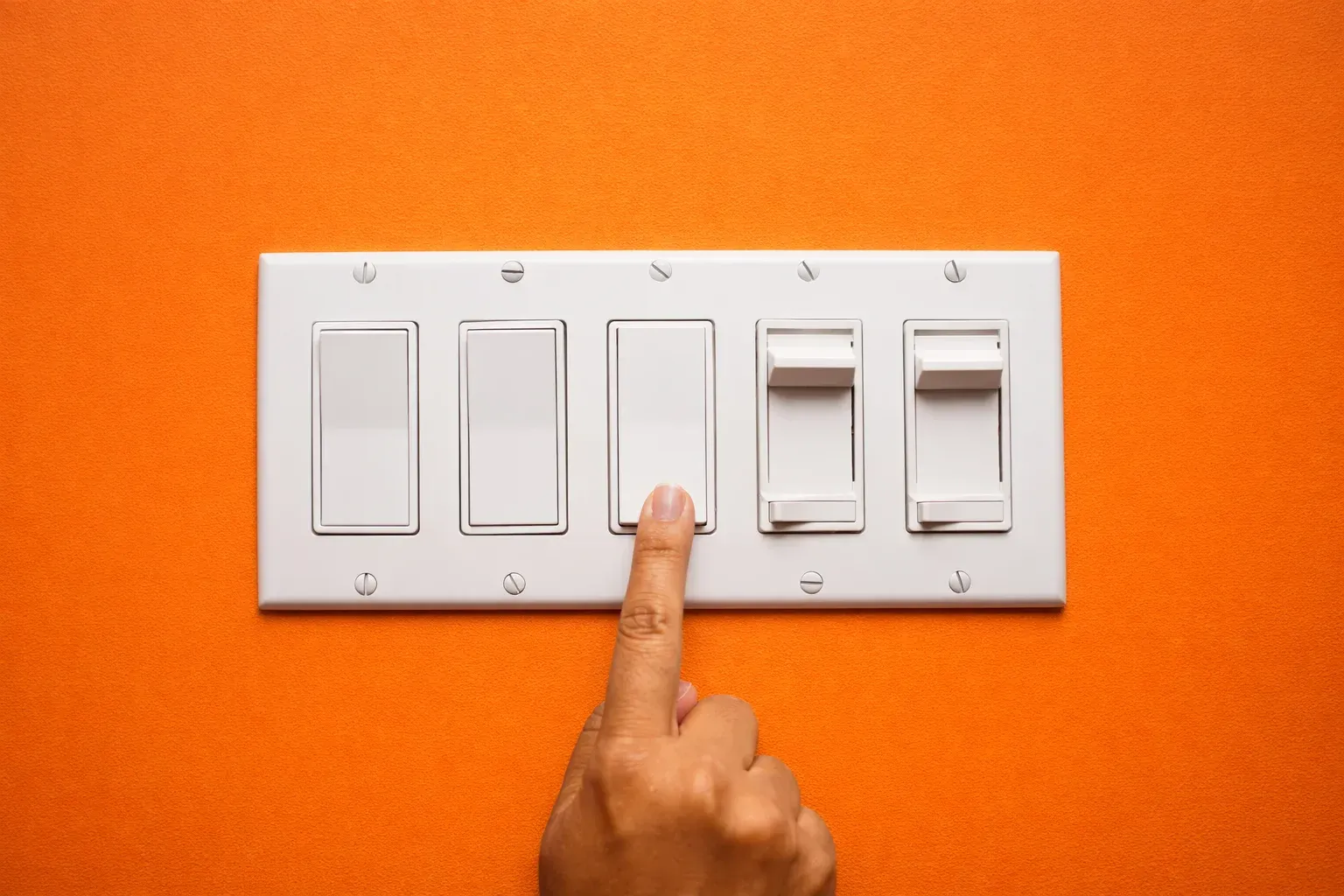
If your home is the only one affected, check your fuse box (consumer unit). A tripped switch (also called breaker) can cut power to parts of your home or the whole property. Resetting the switch may restore your electricity. If it trips again, unplug appliances and try again to identify a faulty appliance.
If you have a prepayment smart meter, your electricity may have gone off because your balance has run out. You can top up easily using your supplier’s app or website. Once credit is added, your supply should be restored automatically.
Managing your energy shouldn’t feel like a hassle. With Fuse Energy, you get real-time, half-hourly usage data in the app and website if you have a connected smart meter, helping you stay in control of your energy usage. Our 24/7 human support team is always on hand with fast response times of under 5 minutes whenever you need help. Click here to switch to Fuse Energy in as little as 3 minutes and find out about our mission by clicking here.