Gas meter screen blank: what to do
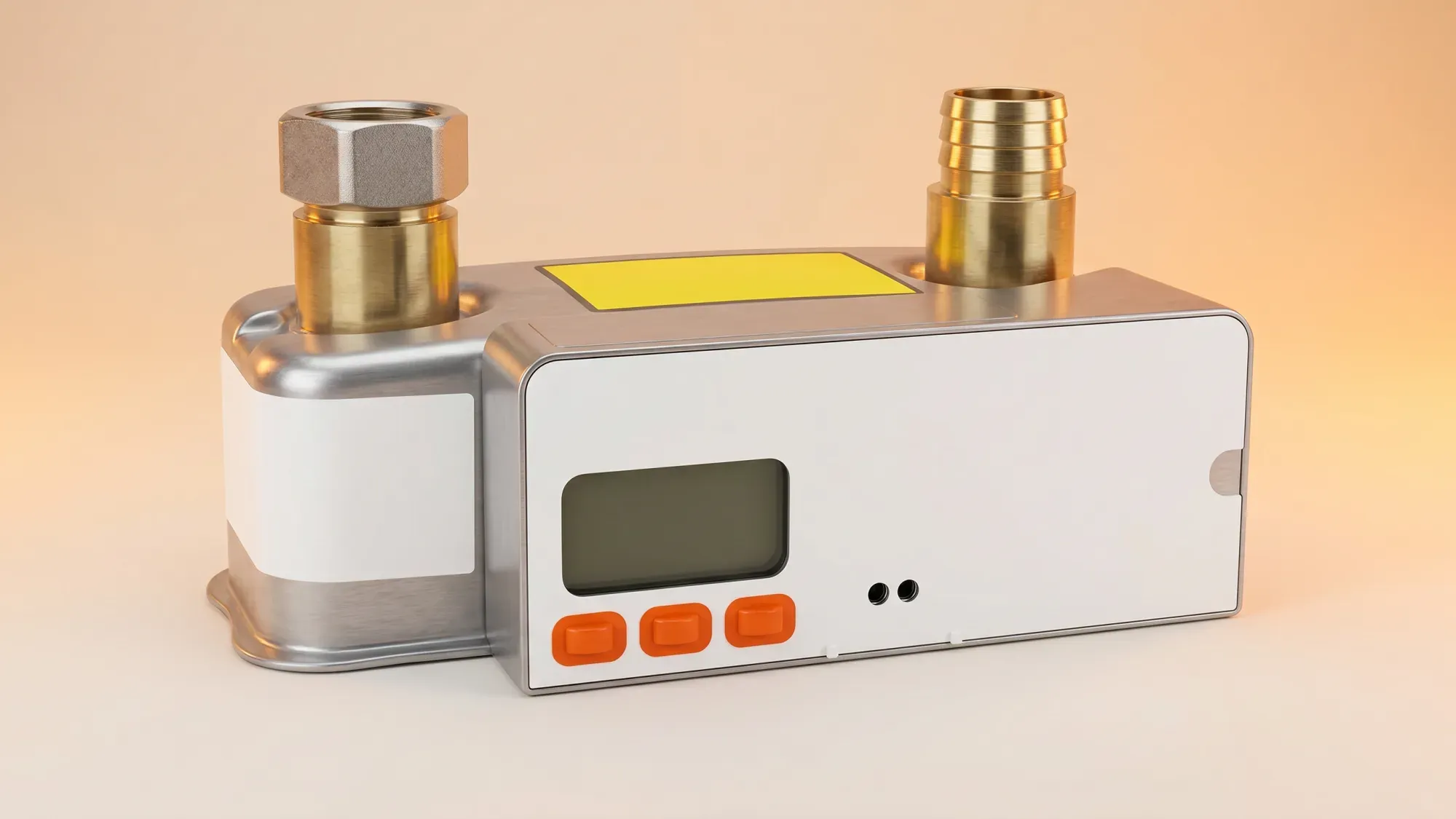
A blank gas meter screen can be concerning, but it does not always mean your gas supply is off. Often, it is a power-saving feature, but it can also signal a low or dead battery, which has specific implications, especially for older smart meters. This guide will help you troubleshoot the issue and understand when and how to contact your energy supplier for assistance.
If your gas meter screen is blank, Fuse Energy can help you understand what is happening and provides 24/7 human support for any meter issues. Click here to switch to Fuse Energy today.
Enter your address to get a quote and see how much you could save
Why your gas meter screen might be blank
Several reasons could cause your gas meter screen to go blank, ranging from simple power-saving modes to more serious battery issues or meter faults.
Power-saving mode
Many modern smart gas meters are designed to enter a power-saving mode to conserve battery life, causing the screen to go blank after a period of inactivity. This is a normal function and does not mean your gas supply is affected. A simple button press can often wake the display. Pressing and holding a button on the meter for about 10 seconds typically reactivates the screen if it is in this mode.
Low or dead battery
Gas meters operate on battery power, not mains electricity. A blank screen can be a sign that the meter's internal battery is running low. If the battery is completely dead, the screen will remain blank. For SMETS1 (first-generation smart) gas meters, a fully depleted battery can cause an internal safety valve to close automatically, cutting off the gas supply until the meter is exchanged. The battery in a gas meter is sealed and is not a user- or engineer-replaceable part; a dead battery requires replacing the entire meter.
Meter fault
Less commonly, a blank screen could indicate a fault with the meter itself, especially if other fault indicators are present, such as stuck readings, valve failure, or system errors. In such cases, the meter will need professional assessment and likely replacement.
What to do if your gas meter screen is blank
Follow these steps to diagnose the problem and determine the best course of action.
Check for power-saving mode
First, try pressing any button on your gas meter. Many smart meters have a power-saving feature where the display goes blank to conserve battery. A quick press of a button should reactivate the screen if it is in this mode. If the screen remains blank after pressing buttons, it suggests a deeper issue.
Identify your gas meter type
Knowing your meter type can help you understand the implications of a blank screen. Smart meters are generally categorised as SMETS1 or SMETS2. SMETS1 meters are older first-generation smart meters, while SMETS2 meters are newer and offer more advanced features. This information is often found on the meter itself or in your energy account details. If you have an older, non-smart meter, you might consider a smart meter installation to benefit from automatic readings.
Look for other symptoms
Is the gas supply still working? Check if your heating and hot water are functioning as normal. If your gas supply has been cut off, especially if you have an SMETS1 meter, this strongly indicates a dead battery. Also, note any error messages or unusual noises from the meter before the screen went blank.
When to contact your energy supplier
You should contact your energy supplier if:
- The screen remains blank after attempting to wake it from power-saving mode.
- You suspect your gas supply has been affected.
- You have an SMETS1 meter and believe the battery might be dead, as this can lead to an automatic gas cut-off.
- You notice any other signs of a meter fault.
Understanding gas meter batteries and supply
Gas meters are self-powered, and their internal batteries are critical for operation.
Gas meter battery life
Gas meters run on internal batteries, not your home's mains electricity. These batteries are designed to last for many years, typically around 10-15 years. However, like all batteries, they will eventually deplete. The battery in a gas meter is sealed and is not a user- or engineer-replaceable part; a dead battery requires replacing the entire meter.
The SMETS1 meter difference
For SMETS1 gas meters, a fully depleted battery is a critical issue. These meters are designed with an internal safety valve that automatically closes when the battery dies. This means your gas supply will be cut off until the meter is exchanged. This is a safety feature to prevent uncontrolled gas flow from a non-communicating meter.
SMETS2 meters and blank screens
SMETS2 meters generally handle battery depletion differently. While a blank screen still indicates a low or dead battery, the implications for SMETS2 meters are less clear or may vary, as the automatic safety valve closure upon battery failure is specifically documented for SMETS1 meters.
How Fuse Energy supports you with meter issues
Fuse Energy provides clear, actionable guidance to help customers understand and troubleshoot their gas meter issues, giving them control over their energy situation.
24/7 human support for peace of mind
Fuse Energy offers 24/7 human customer support for meter issues and other enquiries. This means you can get assistance whenever you need it, providing a safety net for when self-troubleshooting is not enough.
Transparent information and guidance
Fuse's approach to meter issues is to provide transparent information and support, helping customers manage their energy effectively even when problems arise. This includes detailed explanations of common meter problems and clear steps for resolution.
Next steps and safety advice
Dealing with a blank gas meter screen requires a methodical approach to ensure both accurate billing and, most importantly, your safety.
Ensuring accurate billing
If your meter screen is blank, your energy supplier may resort to estimated billing. This can lead to inaccuracies. By reporting the issue promptly, you help ensure that your consumption is recorded correctly, and any necessary meter exchange can be arranged to restore accurate readings. Understanding how to read your gas meter can also help you verify estimated bills.
Prioritising safety
If you suspect a gas leak (e.g., you smell gas), call the National Gas Emergency Service on 0800 111 999 immediately. If your gas supply has been cut off unexpectedly, or for other meter issues, contact your energy supplier once it is safe. Do not attempt to tamper with the meter or restore the gas supply yourself.
Managing your energy bills should be clear and easy to understand. Fuse Energy focuses on straightforward pricing, so you can see exactly what you are paying without unnecessary complexity. If you have a smart meter, you can view detailed usage data through the app or website, helping you understand how you can lower your bills. If you do not have a smart meter, Fuse Energy can upgrade your non-smart meter, completely for free. This can make it easier to track spending and make informed decisions about your energy use. Our 24/7 human support team is always on hand with fast response times whenever you need help. Click here to switch to Fuse Energy today. Find out about our mission by clicking here.
Disclaimer
For the avoidance of doubt, this article is provided for informational purposes only and is not intended to constitute legal or financial advice. The author and/or Fuse Energy shall not be responsible for any losses arising out of any reliance on the information contained herein.