How to read an electric meter
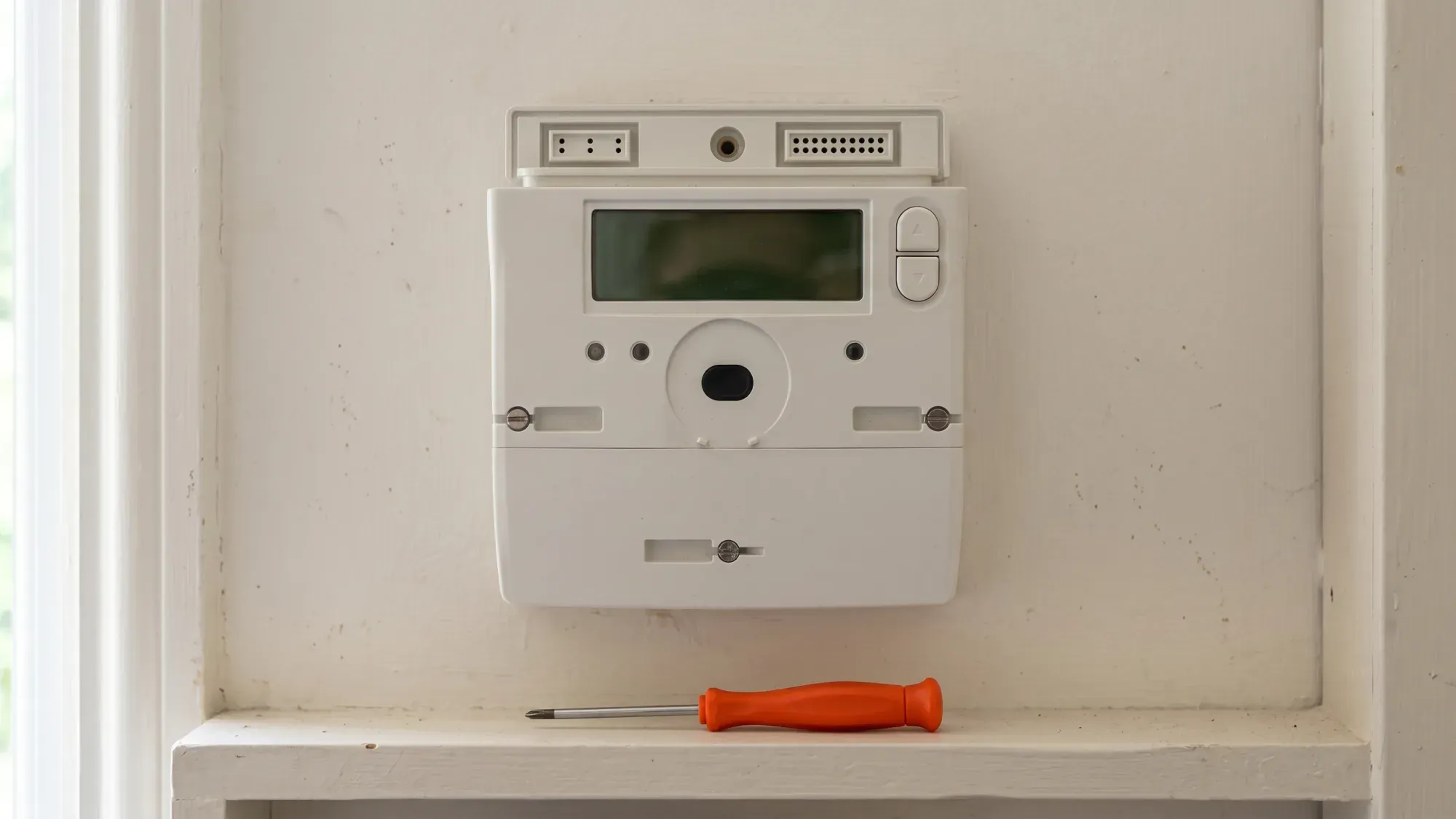
Understanding your electric meter is key to managing your home's energy. Whether you have an older dial meter, a digital display, or a modern smart meter, knowing how to read it accurately ensures you pay for exactly what you use. This guide provides clear, step-by-step instructions for common UK electric meter types, empowering you to take control of your energy consumption.
Taking control of your energy usage starts with understanding your meter. Fuse Energy offers clear pricing and in-app usage data to help you manage your electricity. Click here to switch to Fuse Energy today.
Enter your address to get a quote and see how much you could save
Why accurate meter readings matter
Accurate electric meter readings are essential for correct billing and avoiding estimated charges, which can lead to unexpected costs or overpayments. When your energy supplier does not receive regular readings, they estimate your usage, which might not reflect your actual consumption.
Avoiding estimated bills
Estimated bills can be a source of frustration. If your supplier estimates your usage incorrectly, you could end up paying for more energy than you have actually used, or conversely, build up a debt that leads to a larger bill later. Regular, accurate readings mean your bills reflect your true energy consumption, preventing these surprises.
Understanding your energy usage
Manually reading your meter helps you track how much electricity you are using. This insight is invaluable for budgeting and identifying potential areas to reduce consumption. Electric meter readings are typically recorded in kilowatt-hours (kWh). The average UK home uses around 2,500 kWh of electricity per year1, making accurate readings vital for budgeting and understanding consumption.
Identifying your electric meter type
Before you can read your meter, you need to know what type you have. Electric meters in UK homes generally fall into three categories: traditional digital, traditional dial, and smart meters.
Traditional digital meters
These meters feature an electronic display that shows your electricity usage as a series of numbers. They are straightforward to read, often displaying just one row of digits. Some older digital meters might have multiple rates (e.g., for Economy 7 tariffs), showing two rows of numbers or cycling between them.
Traditional dial meters
Dial meters are older models with a series of small clock-like dials, each with a pointer. These can be a bit trickier to read accurately, as the pointers can sometimes sit between numbers.
Smart meters
Smart meters are designed to send readings automatically to your energy supplier, eliminating the need for manual submissions. While they offer convenience, understanding how to read them manually provides greater control and verification capability. Common smart meter models in UK homes include those from Kaifa, Landis+Gyr, Honeywell, and EDMI. The Radio Teleswitch Service (RTS) for legacy meters is being phased out, with the industry-wide switch-off beginning on 30 June 2025. Energy suppliers are responsible for replacing RTS meters with smart meters. If you are considering a smart meter installation, your supplier can arrange this for you.
Reading traditional digital electric meters
Traditional digital meters are generally easy to read.
Single rate digital meters
For a single rate digital meter, simply read the numbers from left to right. Ignore any numbers in red, or any digits after a decimal point. For example, if the display shows 00123.4, your reading is 123.
Multi-rate digital meters
If you have a multi-rate digital meter (often for tariffs like Economy 7), it will typically show two sets of numbers, or the display will cycle between them.
- Two rows: Read both rows from left to right, ignoring any red numbers or digits after a decimal point. One row will usually be labelled "low" or "night" (off-peak), and the other "normal" or "day" (peak).
- Single display, alternating: The meter will flash or cycle between the two readings. Note both sets of numbers. If you are unsure which reading corresponds to which rate, you can compare them to your previous bills or take readings at different times of the day to see which number changes during peak and off-peak hours.
Reading traditional dial electric meters
Dial meters can seem intimidating, but with a systematic approach, they are manageable.
Understanding the dials
An electricity dial meter usually has five or more dials, each turning to point to a number from 0 to 9. Crucially, the dials often turn in opposite directions to their neighbours. Always check the direction of each dial before you read it.
To read:
- Read the dials from left to right.
- Ignore any red dials or dials marked "1/10".
- For each dial, write down the number the pointer has just passed.
- If the pointer is directly on a number, look at the next dial to the right. If the next dial's pointer is between 0 and 1, write down the number the current pointer is on. If the next dial's pointer is between 9 and 0, write down the number before the one the current pointer is on.
- If a pointer is between 9 and 0, always write down 9.
Tips for accurate dial readings
- Take your time: Rushing can lead to errors, especially with the alternating directions of the dials.
- Double-check: Once you have noted all the numbers, quickly review them to ensure they make sense compared to your previous readings.
- Underline: If a pointer is exactly on a number, underline it as a reminder to check the next dial for accuracy.
Reading common UK smart meter models
While smart meters typically send readings automatically, knowing how to read them manually is useful for verification or if connectivity issues arise. For those interested in how smart meters provide more granular data, you can learn more about half-hourly meter readings explained.
Kaifa smart meters
Kaifa smart meters (e.g., MA120) often cycle through screens automatically.
- Single rate: Wait for the screen that shows numbers followed by "kWh" or "+A Value". Note these numbers from left to right, ignoring any leading zeros or numbers after a decimal point.
- Multi-rate: Press the Up button (sometimes labelled K1) to enter the menu. With the arrow at General Display, press and hold Up. Then press Down (K2) to scroll to Tariff Matrix. Press and hold Up again. With the arrow at TOU Register, press and hold Up. You should see T01 (total for Rate 1) and T02 (total for Rate 2).
Landis+Gyr smart meters
Landis+Gyr meters (e.g., E470) typically have "A" and "B" buttons.
- Single rate: Press the A button to wake the screen. The "TOTAL Act Import" screen should be the first one displayed. Record all digits before the decimal point.
- Multi-rate: Hold button B to open the Tariff Display List. The first screen will show your first rate (e.g., R01). Press button A to cycle to the next rate (e.g., R02).
Honeywell smart meters
Honeywell smart meters (e.g., AS302P) often have "A" (top) and "B" (bottom) buttons.
- Press the top button to wake the display and open the General menu.
- Press the bottom button to step through: General → Boost → Registers.
- Select Registers by pressing the top button.
- Press the bottom button to step through: Cumulative → Rates in Use → Rates 1-48.
- Select Rates 1-48 by pressing the top button.
- Use the bottom button to scroll through Imp R1, Imp R2, etc. For a single-rate tariff, read Imp R1. For a two-rate tariff, read Imp R1 and Imp R2.
EDMI smart meters
EDMI smart meters (e.g., ES10-B) typically use an OK button and arrow buttons.
- Hold OK until Billing appears (Main Menu); hold OK to enter Billing.
- Use the arrows to scroll to Advanced (two pushes of >); hold OK to enter. TOUmtrx will appear.
- Hold OK to enter the TOU matrix sub-menu; RATE1 will appear.
- Use the arrows to view Rate 1 and Rate 2.
What to do after reading your meter
Once you have your meter reading, the next steps ensure it is used correctly for your billing.
Submitting your reading to your supplier
If you do not have a smart meter, or if your smart meter is not sending automatic readings, you will need to submit your reading to your energy supplier. Most suppliers offer several convenient ways to do this:
- Online account: Log in to your supplier's website.
- Mobile app: Many suppliers have an app that allows you to submit readings, sometimes even by scanning your meter with your phone camera.
- Phone: Use an automated phone service or speak to customer services.
- Email or text: Some suppliers accept readings via email or text.
It is generally recommended to submit readings at least once a month, ideally on the same day each month, to ensure accurate bills.
Understanding your bill
Your energy bill will typically show your usage in kWh, the unit rate you are charged, and a daily standing charge. It will also indicate whether your bill is based on an "Actual" (A) reading or an "Estimated" (E) reading. If you see an 'E', it means your supplier did not receive an actual reading and has estimated your usage. For a deeper dive into your charges, read our guide on understanding your energy bill.
When to contact your supplier
You should contact your energy supplier if:
- You consistently receive estimated bills despite submitting readings.
- Your meter display is blank, showing error messages, or has stopped sending readings (for smart meters).
- Your energy bills suddenly increase or decrease without a clear reason.
- You suspect your meter is faulty or inaccurate. Your supplier is responsible for investigating faulty meters.
"If you believe your smart meter isn't working, please try not to worry. It's likely to be a connection issue that is temporary and will be fixed remotely. And even if you receive estimated bills for a period of time while the problem is being fixed (like you did with your analogue meter), this will not affect how much you pay for your energy." — Smart Energy GB
If you are a Fuse Energy customer and need assistance with your meter reading, our human support team is always on hand whenever you need help.
Managing your home energy should be simple and transparent. Fuse Energy provides clear pricing and an intuitive app to help you track your usage and understand your bills. Switching to Fuse is quick and easy, allowing you to take control of your energy from day one. Discover a smarter way to manage your energy.
Take the stress out of managing your energy. With Fuse Energy, you get clear pricing, real-time usage data, 24/7 human customer support, and a modern energy experience designed around you. Signing up takes just a few minutes, so you can take control of your bills from day one. Click here to switch to Fuse Energy today and start saving.
Managing your energy bills should be clear and easy to understand. Fuse Energy focuses on straightforward pricing, so you can see exactly what you're paying without unnecessary complexity. If you have a smart meter, you can view detailed usage data through the app or website, helping you understand how you can lower your bills. If you don't have a smart meter, Fuse Energy can upgrade your non-smart meter, completely for free. This can make it easier to track spending and make informed decisions about your energy use. Our 24/7 human support team is always on hand with fast response times of under 5 minutes whenever you need help. Click here to switch to Fuse Energy today. Find out about our mission by clicking here.
References
Disclaimer
For the avoidance of doubt, this article is provided for informational purposes only and is not intended to constitute legal or financial advice. The author and/or Fuse Energy shall not be responsible for any losses arising out of any reliance on the information contained herein.